You don't need a six-figure budget to create videos that ACTUALLY convert.
The truth? Most "professional" video productions waste money on equipment and crew that don't move the needle. Your audience doesn't care if you shot on a $50,000 cinema camera or a $1,200 DSLR, they care if your video solves their problem in the first 10 seconds.
Here's what nobody tells you: Professional-quality video is achievable at $5,000–$15,000, and honestly, you can do it for WAY less if you know where to cut costs without cutting quality. Let me show you exactly how.
Why Video Is NON-NEGOTIABLE in 2026
If you're still relying on text-only content, you're leaving money on the table. Video content generates 1200% more shares than text and images combined. It builds trust faster, explains complex ideas clearer, and, most importantly, your competitors are already doing it.
But here's the problem: Most business owners think "professional video" means hiring a production company, renting studio space, and spending weeks in post-production. That's the OLD way. The expensive, slow, outdated way.
The Smart Budget Breakdown (No Fluff Allowed)
Let me break down where your money should ACTUALLY go:
Pre-Production (15% of budget): This is where amateurs skip steps and professionals win. Your script, storyboard, shot list, and location planning happen here. Rush this phase and you'll waste thousands on reshoots.
Production/Filming (45% of budget): This is your crew, equipment rentals, and on-set time. Here's the secret: You don't need a massive crew. A solid producer/director, camera operator, and sound tech can outperform a bloated 10-person team every single time.
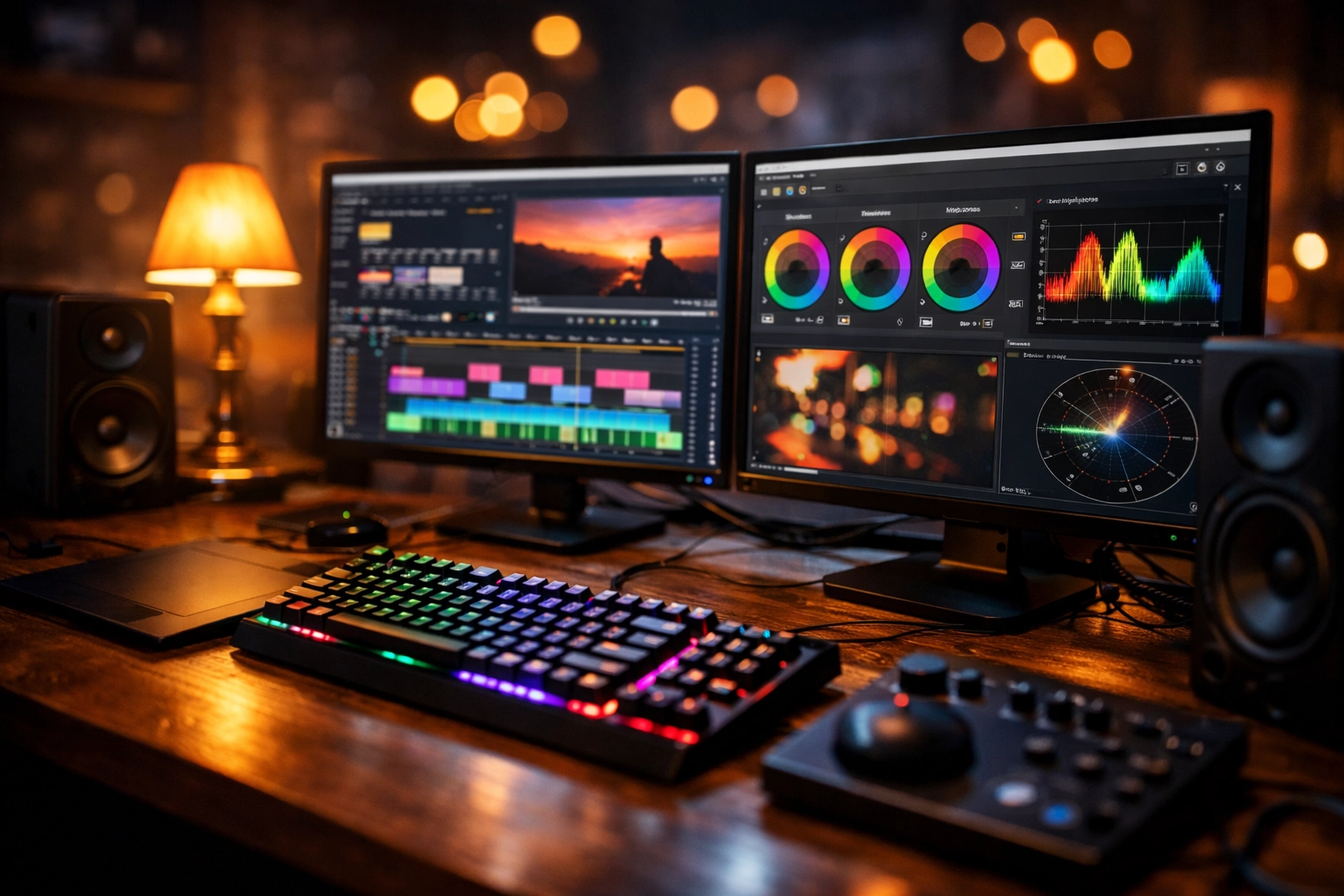
Post-Production (30% of budget): Editing, color grading, sound mixing, and graphics. This is where good footage becomes GREAT content. Don't cheap out here.
Contingency (10% of budget): Because things happen. Equipment fails. Weather changes. Talent gets sick. Build in breathing room.
Want to know the BIGGEST money-saver? Film multiple videos in one session. If you're paying for crew and equipment, shoot 5-10 videos back-to-back. Your per-video cost drops dramatically.
Equipment That Actually Matters (And What's Just Marketing Hype)
Here's what the equipment companies won't tell you: 1080p video serves 90% of web and marketing purposes perfectly. You don't need 4K or 8K unless you're projecting on massive screens or doing heavy post-production zooming.
Essential gear breakdown:
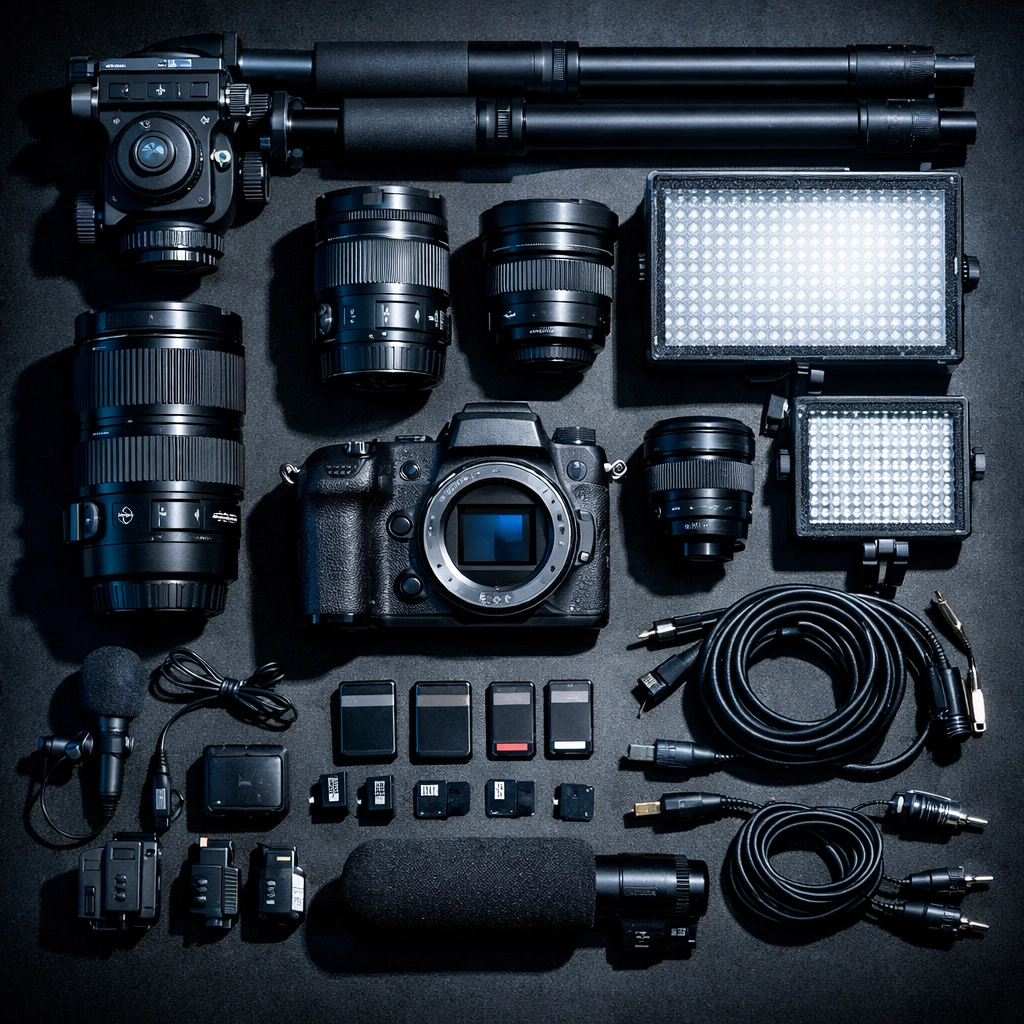
- Camera: A quality DSLR or mirrorless camera ($800-$2,000) beats most "prosumer" video cameras. Look for good low-light performance and manual controls.
- Audio: This is where most people fail. Bad audio kills good video INSTANTLY. Invest in a decent lavalier mic ($100-$300) or shotgun mic ($200-$500).
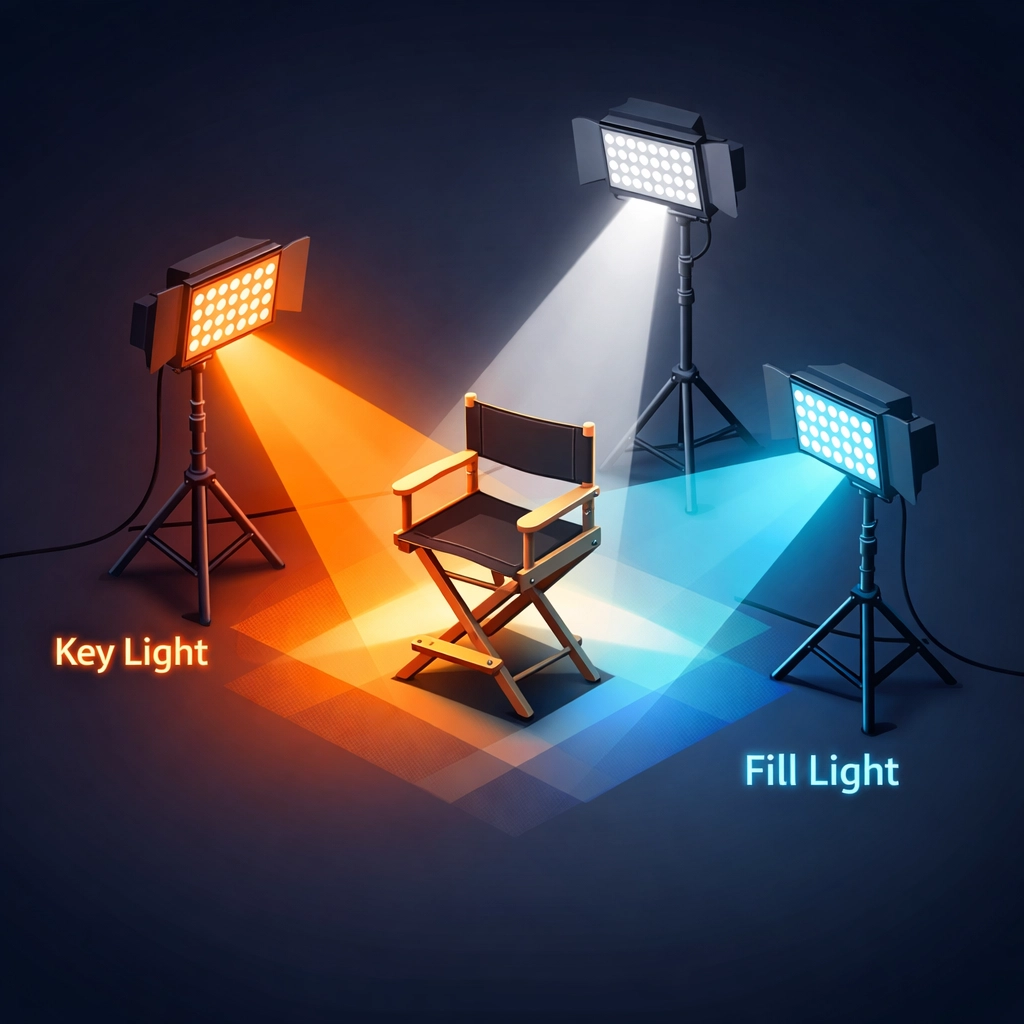
- Lighting: Three-point lighting setup ($300-$800) transforms amateur footage into professional content. Natural light is free but unpredictable.
- Tripod/Stabilizer: Shaky footage = unwatchable content. Budget $150-$400 for solid support.
PRO TIP: Rent before you buy. Test equipment on real projects before committing thousands to gear you might not need.
Copy-and-Paste AI Prompts for Instant Pro Results
This is where it gets FUN. Instead of spending hours learning cinematography theory, use these ready-to-go AI prompts to get professional guidance INSTANTLY.
Lighting Setup Prompt
You are a professional cinematographer. I'm filming [TYPE OF VIDEO] in [LOCATION DESCRIPTION]. My available lighting equipment is [LIST EQUIPMENT]. The mood I want is [MOOD/TONE]. Please provide:
1. Exact three-point lighting setup with distances and angles
2. Power/intensity settings for each light
3. Color temperature recommendations
4. Backup options if natural light changes
5. Common mistakes to avoid for this specific setup
Sound Quality Prompt
I'm recording [TYPE OF CONTENT] in [ENVIRONMENT]. My microphone is [MIC TYPE]. I'm experiencing [DESCRIBE AUDIO ISSUE]. Please provide:
1. Optimal mic placement and distance from subject
2. Room treatment recommendations using household items
3. Recording level settings to prevent clipping
4. Post-production fixes I can apply
5. Ambient sound management strategies
Shot Framing and Composition Prompt
I need to film a [VIDEO TYPE] that's [DURATION] long. My subject is [DESCRIBE SUBJECT]. The message/goal is [GOAL]. Please create:
1. Shot list with specific framing (close-up, medium, wide)
2. Camera angle recommendations for each shot
3. Rule of thirds application for my specific content
4. B-roll suggestions that enhance the message
5. Transition recommendations between shots
Video Editing Workflow Prompt
I have [AMOUNT] of raw footage for a [DURATION] final video. The style should be [STYLE]. My editing software is [SOFTWARE]. Please provide:
1. Step-by-step editing workflow from import to export
2. Pacing recommendations (shot length, cuts per minute)
3. Music selection guidelines and where to place it
4. Color grading approach for [DESIRED MOOD]
5. Export settings for [PLATFORM: YouTube/Instagram/LinkedIn]
These prompts work with ChatGPT, Claude, or any major AI tool. Copy, paste, fill in your specifics, and get professional guidance in seconds. This alone saves you hours of YouTube tutorial rabbit holes.
The Production Day Strategy That Saves Thousands
Here's how professionals maximize every dollar on filming days:
Batch your content. If you're recording talking-head videos, prepare 5-10 scripts and shoot them all in one session. Change your shirt between takes for variety. This reduces your per-video cost by 70-80%.
Use locations you control. Your office, home studio, or any space you have free access to eliminates location fees and travel costs. Public spaces often require permits, skip that headache unless necessary.
Work with freelancers, not agencies. A talented freelance videographer charges $500-$1,500 per day. An agency charges $3,000-$10,000 for the same work. Find your freelancers on Upwork or local production groups.
Limit revision rounds to 2-3 maximum. Every additional round of edits adds cost and delays. Get your feedback tight and specific the first time.
Remote Production: The 2026 Game-Changer
Virtual filming and remote production slash travel costs and expand your talent pool. You can direct a shoot happening 2,000 miles away, review footage in real-time, and collaborate with editors across time zones.
Tools like Frame.io, Zoom, and Evercast make remote collaboration seamless. You're no longer limited to local talent. Find the BEST person for the job, regardless of location.
Post-Production on a Budget (Without Looking Cheap)
Here's where AI REALLY shines:
- Auto-captioning: Tools like Descript or Opus Clip generate accurate captions in minutes. Manual captioning costs $1-$3 per minute.
- Basic editing acceleration: AI can handle rough cuts, remove silences, and even suggest b-roll placement.
- Color grading presets: Instead of paying $500+ for custom color grading, use AI-enhanced presets that adapt to your footage.
But don't let AI replace human creativity. Use it for repetitive tasks, then add your unique polish in final review.
The Video Marketing Formula That Actually Converts
Creating great video is only half the battle. Here's the distribution strategy:
First 3 seconds: Hook them or lose them. Start with the problem/benefit, not your logo or intro music.
Clear CTA throughout: Don't wait until the end to tell viewers what to do next. Guide them continuously.
Platform-specific optimization: A YouTube video needs different pacing than Instagram Reels. Repurpose smartly, don't just upload the same file everywhere.
SEO optimization: Yes, videos need SEO too. Include target keywords in titles, descriptions, and video file names. Check out these SEO tips for small business for ranking strategies that work.
Your Next Steps (Don't Overthink This)
You have everything you need to START right now:
- Pick ONE video type to master first (talking head, screen recording, product demo)
- Use the AI prompts above to plan your first shoot
- Invest in audio first, camera second (seriously, audio matters MORE)
- Film your first 3-5 videos in one session to build momentum
The businesses winning with video in 2026 aren't the ones with the biggest budgets: they're the ones who SHIP consistently. Imperfect video that exists beats perfect video that never launches.
Grab Your Complete Video Marketing Toolkit (FREE)
Want more copy-paste AI prompts, equipment checklists, and proven video scripts? I've put together an entire resource library at SimonLeung.com with everything you need to scale your video production WITHOUT scaling your budget.
You'll get:
- 50+ AI prompts for every stage of video production
- Done-for-you video scripts you can customize in minutes
- Equipment buying guides that save you from expensive mistakes
- Platform-specific optimization checklists for YouTube, LinkedIn, Instagram, and TikTok
No fluff. No theory. Just practical, copy-paste-ready tools you can use TODAY.
Click here to access your free bonuses at SimonLeung.com ?
Remember: Your audience doesn't need Hollywood production value. They need YOUR message delivered clearly, confidently, and consistently. The camera, lighting, and editing are just tools to make that happen.
Now stop reading and START filming. ?