Hosting your first online seminar can feel overwhelming, but it’s one of the MOST POWERFUL ways to build authority, generate leads, and convert prospects into paying customers. Whether you’re planning a free educational webinar or a paid training session, the RIGHT preparation makes all the difference between a forgettable event and one that transforms your business.
Here’s the truth: Your audience craves valuable, actionable content delivered in an engaging format. Online seminars give you the platform to showcase your expertise while building genuine connections with potential clients. But success doesn’t happen by accident: it requires strategic planning, technical preparation, and the ability to keep your audience engaged from start to finish.
Let’s walk through the EXACT process for hosting a profitable online seminar that positions you as the go-to expert in your field.
Planning Your Online Seminar: The Foundation for Success
Your seminar’s success is determined BEFORE you ever go live. The planning phase sets the stage for everything that follows, and cutting corners here will cost you dearly in audience engagement and conversions.
Choose Your Topic Strategically
Don’t pick a topic because YOU find it interesting: choose what YOUR AUDIENCE desperately needs to know. Look at your most popular blog posts, social media engagement metrics, and the questions people keep asking you. What problem are they struggling to solve? What transformation are they seeking?
Your topic should accomplish three things:
- Solve a specific, urgent problem your ideal client faces
- Position you as the authority in that area
- Create natural opportunities to introduce your paid solutions
For example, if you’re a digital marketing consultant, “How to Generate 100 Leads in 30 Days Without Paid Ads” works better than “Introduction to Digital Marketing.” Be specific, be bold, and promise a clear outcome.
Select the Right Platform and Format
Your platform choice directly impacts your attendee experience. For your first seminar, prioritize ease of use over advanced features. Popular options include Zoom, StreamYard, or dedicated webinar platforms that handle registration and follow-up automatically.
Consider these format options:
- Solo presentation – YOU deliver the content (best for establishing authority)
- Interview or fireside chat – You interview an expert (leverages their credibility)
- Panel discussion – Multiple experts share perspectives (great for engagement)
- Workshop style – Interactive exercises and implementation (highest conversion rates)
For beginners, I recommend starting with a solo presentation or interview format. These give you more control and require less coordination than multi-speaker events.
Build Your Promotion Timeline
Most failed seminars fail because of poor promotion, NOT poor content. You need minimum 2-4 weeks of consistent promotion to build momentum. Here’s your timeline:
4 Weeks Before:
- Create your registration page with compelling copy
- Segment your email list based on interest
- Design promotional graphics for social media
2-3 Weeks Before:
- Send your first email announcement
- Post daily on social platforms
- Reach out to partners for cross-promotion
1 Week Before:
- Send reminder emails to registrants
- Create urgency with “limited spots” messaging
- Share behind-the-scenes content
24-48 Hours Before:
- Final reminder email with clear joining instructions
- Social media countdown posts
- Text message reminders if you have those capabilities
The key is CONSISTENCY. Don’t promote once and hope for the best: your audience needs multiple touchpoints before they commit to attending.
Technical Setup: Avoid Amateur Mistakes
Nothing kills credibility faster than technical difficulties during your seminar. Professional presentation quality separates you from the countless amateurs hosting poorly executed webinars.
Equipment Essentials
Invest in these basics BEFORE your first seminar:
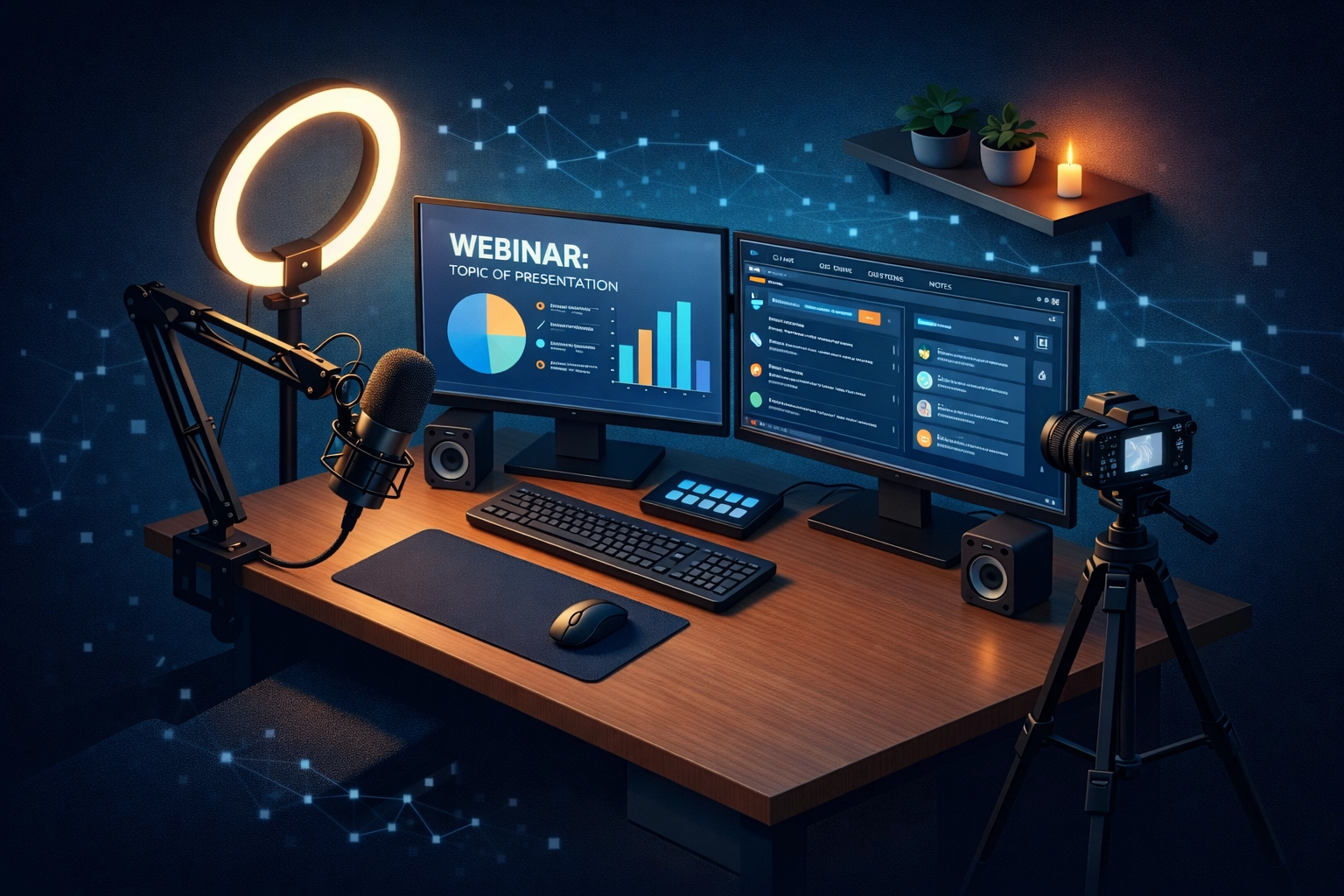
- High-quality USB microphone (your voice is your most important asset)
- Ring light or professional lighting (people judge professionalism by video quality)
- Reliable internet connection (hardwired ethernet beats WiFi every time)
- Backup laptop or device (technology fails at the worst moments)
- Second monitor (track chat, slides, and notes simultaneously)
Budget $200-500 for quality equipment that pays for itself after one seminar. Don’t rely on your laptop’s built-in camera and microphone: the quality difference is massive.

Conduct a Full Practice Run
NEVER wing your first seminar. Schedule a complete practice session 2-3 days before your live event. Test everything:
- Screen sharing and slide transitions
- Audio and video quality from your actual location
- Interactive features like polls, Q&A, and chat
- Your internet connection under load
- Backup equipment and plans
Invite a trusted friend or colleague to join your practice session and give honest feedback. What feels smooth to you might confuse your audience.
Content Creation That Converts
Your content needs to balance education with strategic selling. Give massive value while positioning your paid solutions as the natural next step.
Structure Your Presentation
A proven seminar structure looks like this:
Opening (5-10 minutes):
- Welcome and technical housekeeping
- Your credibility statement (why should they listen to YOU?)
- Clear agenda and what they’ll learn
- Ground rules for participation
Core Content (40-50 minutes):
- 3-5 major teaching points
- Real examples and case studies
- Interactive elements every 10-15 minutes
- Stories that illustrate key concepts
Q&A Session (10-15 minutes):
- Address pre-submitted questions first
- Take live questions from chat
- Use questions to reinforce your main points
Call-to-Action (5-10 minutes):
- Recap the transformation they can achieve
- Present your paid offer as the implementation vehicle
- Create urgency with bonuses or limited-time pricing
- Clear next steps
The key is giving ACTIONABLE content while making it clear that your paid program provides the complete system for implementing what you’ve taught.
Design Engaging Slides
Your slides should enhance your message, not distract from it. Follow these guidelines:
- One main point per slide
- Large, readable fonts (minimum 24pt)
- High-quality images over clip art
- Minimal text (6 words maximum per bullet)
- Consistent branding throughout
Consider slide design an investment in your authority. Professional slides signal that you take your business seriously and that your paid programs will be equally high-quality.
Engaging Your Audience Throughout
Audience engagement determines your conversion rate. Passive viewers don’t buy: engaged participants do.
Interactive Techniques That Work
Deploy these engagement strategies every 10-15 minutes:
Polls and surveys – Quick questions that relate to your content. “How many of you have tried [specific strategy] before?” Polls break up content and give you valuable audience insights.
Chat participation – Ask questions that people answer in chat. “Type YES in the chat if you’ve experienced this challenge.” This creates momentum and social proof.
Call-and-response – Have people physically take action. “Write down your #1 takeaway from this section.” Physical involvement increases retention.
Q&A integration – Don’t save all questions for the end. Address relevant questions throughout to maintain energy and demonstrate your expertise in real-time.
The more your audience participates, the more invested they become in your message: and the more likely they’ll invest in your paid solutions.
Managing the Energy
YOU set the energy level for your entire seminar. If you’re monotone and low-energy, your audience mentally checks out. If you’re enthusiastic and dynamic, they stay engaged.
Tips for maintaining high energy:
- Stand while presenting (it changes your voice and posture)
- Vary your vocal tone (avoid monotone delivery)
- Use strategic pauses (let important points sink in)
- Show genuine enthusiasm (your excitement is contagious)
- Tell personal stories (human connection beats data every time)
Remember: People buy from people they like, know, and trust. Your personality and energy create those feelings more than your content alone.
Post-Event Follow-Up: Where the Real Money Is Made
Most people completely waste their seminar audience by failing to follow up effectively. Your attendees just raised their hands and said “I’m interested in this topic”: now you need to convert that interest into customers.
Immediate Follow-Up (Within 24 Hours)
Send a follow-up email that includes:
- Thank you for attending
- Replay link (for those who missed it or want to review)
- Slides or resources you promised
- Clear call-to-action with urgency
- Special offer ONLY for attendees
This email should have ONE clear objective: Get them to take the next step. Whether that’s booking a call, joining your program, or downloading a resource that moves them down your funnel.
Segment Your Audience
Not everyone who attends is at the same stage. Segment based on behavior:
- Hot prospects – Asked questions, stayed until the end, clicked on your offer
- Warm leads – Attended but didn’t engage heavily
- Cold registrants – Signed up but didn’t attend
Each segment needs different follow-up. Hot prospects get a direct invitation to purchase or book a call. Warm leads get additional nurture content. Cold registrants get the replay and a chance to engage.
Create Your Next Touchpoint
One seminar shouldn’t be a standalone event: it’s part of your ongoing marketing ecosystem. Invite attendees to:
- Join your email list for ongoing training
- Access FREE bonus resources at SimonLeung.com
- Claim a complimentary strategy session through The Internet Insiders Club
- Register for your next seminar or training
The goal is keeping the conversation going so you can continue demonstrating value and building trust over time.
Your Next Steps: From Learning to Earning
You now have the complete framework for hosting a profitable online seminar. But knowledge without implementation is worthless. The difference between entrepreneurs who succeed with online seminars and those who don’t comes down to execution.
Here’s what to do NOW:
- Choose your seminar topic based on your audience’s biggest pain point
- Set your date 4-6 weeks out to allow proper promotion time
- Invest in basic equipment that makes you look and sound professional
- Create your outline with clear teaching points and conversion strategy
- Build your promotion plan using email, social media, and partner outreach
Ready to master the complete system for building an online business that runs on virtual events, digital products, and automated marketing? You need more than just seminar hosting skills: you need the COMPLETE blueprint for online success.
That’s exactly what you’ll discover at The Internet Insiders Club. You’ll get access to proven systems for lead generation, audience building, content creation, and converting your expertise into consistent revenue.
Don’t waste another year wondering if you can build a successful online business. The entrepreneurs who win are the ones who take decisive action and invest in proven systems.
Visit SimonLeung.com today to claim your FREE resources and discover how the Internet Insiders Club can accelerate your journey from online seminar host to recognized authority in your industry.
Your first seminar doesn’t need to be perfect: it just needs to HAPPEN. Take action today, and you’ll be amazed at the doors that open when you position yourself as the expert who delivers massive value through live virtual events.